
Forensic acquisition of RAM: capturing what vanishes at shutdown
What the RAM of a running computer contains, when it is worth acquiring it before shutting down, how a memory copy is made, the tools, the mistakes to avoid, encryption keys and the value in court of an examination that cannot be repeated.

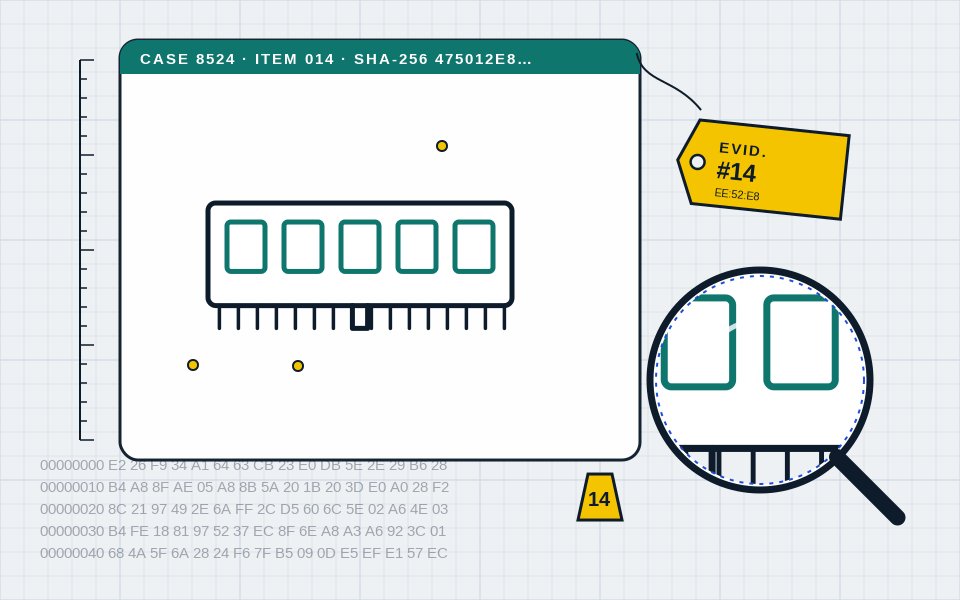
When a computer is on, its RAM holds a live picture of what is happening: running programs, open network connections, documents being edited, chat windows, recently typed passwords and, often, the keys of encrypted disks. Switch the machine off and all of this disappears within moments.
For decades the rule was to “pull the plug” so as not to alter the disk. Today, with widespread encryption and malicious programs that live only in memory, practice has changed: faced with a running system, the expert first considers whether to acquire the memory, following the order of volatility. It is a delicate operation, which inevitably changes the system slightly and cannot be repeated: that is why it must be planned and documented with care.
What can be found in memory
- Processes
- Running programs, including hidden ones, with the files and libraries they use.
- Connections
- Active network links, remote addresses, open ports.
- Encryption keys
- Keys of mounted encrypted volumes, useful to read disks that would otherwise stay inaccessible.
- Credentials
- Passwords and session tokens kept temporarily by programs.
- Content
- Texts, messages, web pages, clipboard, documents open and not yet saved.
- Fileless malware
- Malicious code that leaves no trace on disk and lives only in memory.
RAM acquisition complements the forensic copy of the disk and follows its chain of custody principles.
The pages of this topic
RAM acquisition: how it works
What volatile memory is, why its data vanishes at shutdown, what paging and hibernation files contain and why every acquisition leaves a footprint on the system.
RAM acquisition: step-by-step procedure
The stages of a proper memory acquisition: assessing the situation, documenting the screen, running the tool from external media, saving the copy elsewhere, computing hashes.
RAM acquisition: tools
The tools to acquire Windows, Linux and macOS memory and the programs to analyse it, such as Volatility and MemProcFS.
RAM acquisition: mistakes to avoid
The most serious mistakes in memory acquisition: shutting down too early, saving the copy to the computer’s disk, running unnecessary programs, letting the screen lock, not documenting.
RAM acquisition: value in court
Why memory acquisition is a non-repeatable examination, which safeguards it requires in criminal proceedings and how it is made verifiable.
RAM acquisition: case study
A running laptop with a mounted encrypted volume is found during an inspection: how the expert acquires memory and what it yields.
RAM acquisition: checklist
The checks to acquire the memory of a running computer properly.

RAM acquisition: frequently asked questions
Short answers to the most common questions about forensic memory acquisition.
More topics in this section
Write blocker
What a write blocker is, why it is essential for acquiring a disk without altering it, the differences between hardware and software models, how to use it and how to verify it.
9 pages
Web page acquisition
How to document a web page, post or website so that it counts as evidence: the limits of screenshots, forensic acquisition, value in Italian courts and mistakes to avoid.
9 pages
Forensic acquisition of email
How emails are acquired as evidence: original format, complete headers, DKIM signatures, cloud mailboxes, Italian certified email (PEC), pitfalls to avoid and the value in court of ordinary and certified email.
9 pages