
Authenticity of digital documents: how to check whether a PDF, a Word file or a scan is original, altered or backdated
How the authenticity of an electronic document is analysed: PDF and Word metadata, incremental revisions, anachronistic typefaces, save-session identifiers, digital signatures and timestamps, hash comparison, scans and printouts, tools, mistakes, challenges and allegations of forgery in court.

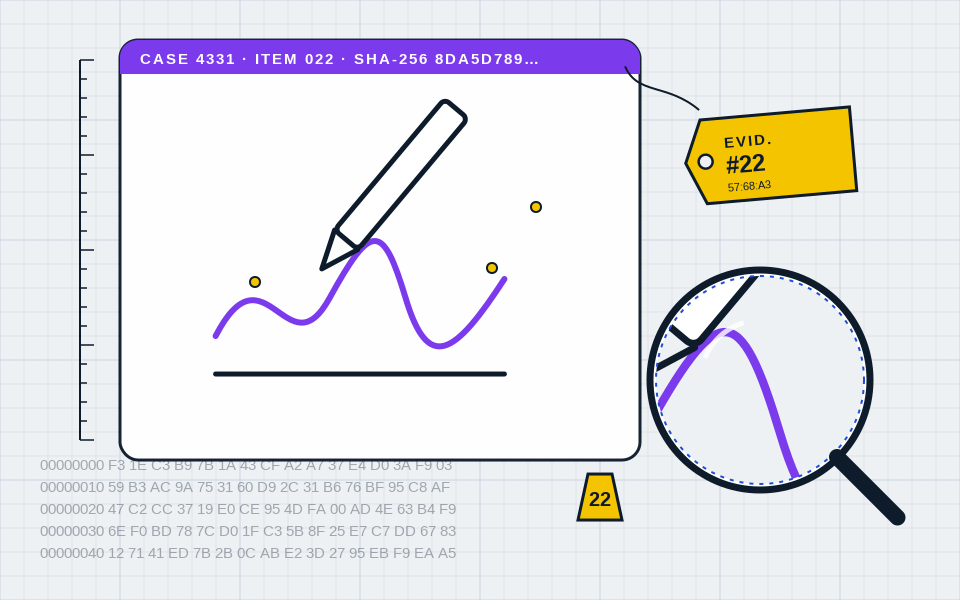
A contract “signed three years ago”, a resignation letter, the minutes of a meeting, an invoice, a certificate: more and more often the decisive documents in a case exist only as files. And a file can be created today with yesterday’s date, altered without visible signs, or rebuilt by copying the look of an original.
Authenticity analysis looks for the traces a document carries with it: the metadata inserted by programs, the editing history some formats keep, the typefaces, digital signatures, and the hashes that allow comparison with other copies. A single trace is rarely enough; but a set of consistent elements, or an inconsistency impossible to explain, can tell with good confidence whether a document is what it claims to be.
A document’s traces
- Metadata
- Author, program, creation and modification dates, revision number, editing time.
- File structure
- Saved versions, embedded objects, a PDF’s incremental revisions.
- Typefaces
- Font names and versions, which have a date of birth.
- Signatures and timestamps
- Digital signature, timestamp, certified email receipts.
- Hashes
- Comparison with copies sent, archived or registered.
- Context
- Covering emails, document management system logs, backups.
The analysis links to metadata, the forensic timeline and, for images, photo EXIF data; for the basic entries see digital signature and timestamp.
The pages of this topic
Document authenticity: how the analysis works
What is examined in a digital document: Word and PDF metadata, incremental revisions, save-session identifiers, typefaces, digital signatures and timestamps, scans, printouts and printer micro-codes.
Document authenticity: step-by-step procedure
The stages of a digital document authenticity analysis: obtaining the original, acquisition with hash, metadata extraction, structure and revision analysis, fonts and software, signatures and timestamps, comparison with other copies and with context, documentation.
Document authenticity: tools
The tools for document analysis: ExifTool, PDF structure tools, Office file analysis, signature and timestamp verifiers, text comparison, analysis of scanned images.
Document authenticity: mistakes to avoid
The most common mistakes in authenticity analysis: working on printouts or converted copies, opening and re-saving the original, trusting metadata dates, ignoring incremental revisions, drawing conclusions from a single clue, confusing authenticity with truthfulness.
Document authenticity: value in court
The value of electronic documents and of authenticity analysis: art. 20 of the Italian Digital Administration Code, challenge and verification, allegations of forgery, forgery offences and art. 491-bis of the Criminal Code, what makes an expert opinion solid.
Document authenticity: case study
A service order dated 2021 produced in an employment case: 2024 metadata, a typeface that in 2021 did not yet bear that name, an incremental revision with the date changed and the name of a user hired in 2023.
Document authenticity: checklist
The checks for a correct authenticity analysis.
Document authenticity: frequently asked questions
Short answers to the most common questions about the authenticity of digital documents.
More topics in this section
Forensic recovery of deleted files
What really happens when a file is deleted, when it can be recovered and when not: recycle bin, unallocated space, file system tables, carving, thumbnails, shadow copies, app databases, SSDs and encrypted smartphones, tools, mistakes and value in court.
9 pages
Forensic timeline
How a forensic timeline is built: file dates, system logs, browser history, Prefetch, the Windows registry, smartphones and cloud combined into a single sequence; time zones, wrong clocks, tampered dates, tools such as Plaso and Timesketch, mistakes and value in court.
9 pages
EXIF and photo metadata
What a digital photo’s metadata reveal: date and time, time zone, GPS coordinates, make and model, serial number, software, thumbnail; where they are kept and where they are lost, how to extract them with ExifTool, how to spot inconsistencies and edits, mistakes to avoid and value in court.
9 pages