
Network traffic: what a packet capture reveals, how it is acquired lawfully and what remains visible when everything is encrypted
Digital forensics of network traffic: full captures and flow records, PCAP and NetFlow, DNS, SNI and the metadata of encrypted traffic, Encrypted Client Hello, acquisition procedure with a hash value, tools such as Wireshark, tshark and Zeek with a worked example, mistakes, legal limits on interception and workplace monitoring, a case of stolen credentials at a professional firm, checklist and frequently asked questions.

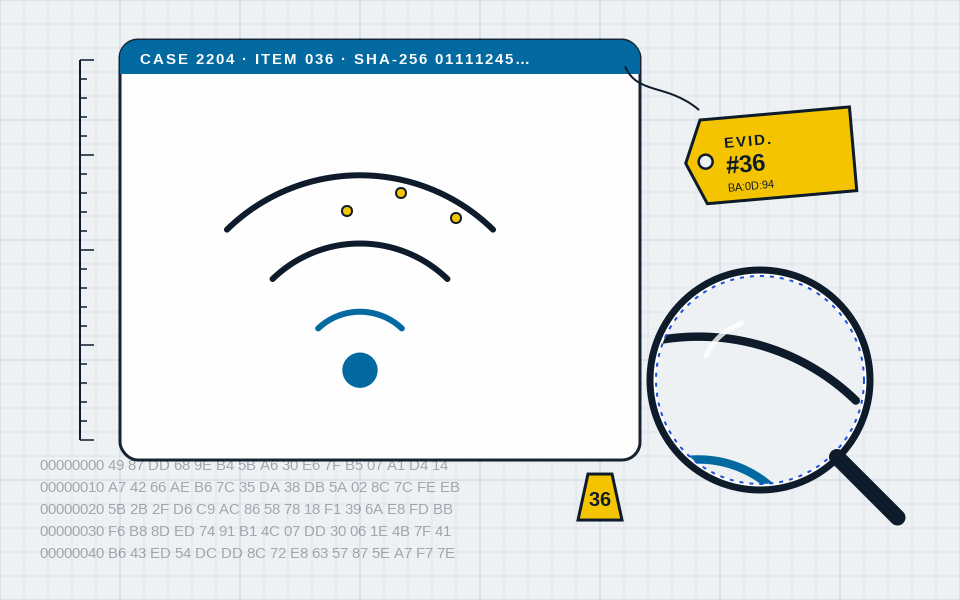
Every connection leaves a trail of packets: who talks to whom, when, for how long, how many bytes. A traffic capture can show that a computer contacted a malware command server, that an archive left the company network, that a form sent a password in clear text.
Today, however, almost everything is encrypted. The content stays hidden, but much of the metadata does not: addresses, times, volumes, domain names requested from DNS and, until Encrypted Client Hello becomes widespread, the site name at the start of the encrypted connection. And capturing other people’s traffic without legal grounds is a crime, as well as unusable evidence.
What traffic shows
- Addresses and ports
- Who talked to whom and with which service.
- Times and duration
- When each connection started and ended, to the microsecond.
- Volumes
- How many bytes came in and went out: a huge upload stands out even when encrypted.
- DNS
- The names of the sites the device requested, often still in clear text.
- Start of the encrypted connection
- The site name (SNI), the TLS version and the fingerprint of the connecting program.
- Content
- Visible only if the protocol is not encrypted, such as HTTP, FTP or mail without TLS.
Traffic is read together with IP addresses and server logs, taking account of VPNs and anonymity and the order of volatility; when it involves third parties’ communications it falls within lawful interception. The basic entries are PCAP, IP address and hash value.
The pages of this topic
Network traffic: how it works
How traffic analysis works: full captures, flow records, firewalls, DNS, proxies, sensors such as Zeek, Wi-Fi and phones; what remains visible with HTTPS and why the network’s memory is short.
Network traffic: step-by-step procedure
How traffic is acquired and analysed: check the legal grounds, choose the capture point, limit the scope, synchronise the clock, capture, compute the hash, preserve the originals, analyse, report.
Network traffic: tools
Tools for network traffic: Wireshark, tshark, tcpdump, Zeek, Suricata, NetworkMiner, capinfos and sha256sum, with an example run on a test capture.
Network traffic: mistakes to avoid
The most common mistakes in traffic analysis: capturing without legal grounds, capturing everything, forgetting the clock, losing packets, analysing the original, treating encrypted traffic as empty, trusting names, confusing address and person.
Network traffic: value in court
The value of traffic captures in court under Italian law: lawfulness and interception, monitoring on company networks, integrity, completeness, times, keeping data apart from inferences, repeatability of the analysis, installing interception equipment.
Network traffic: a worked case
A worked case: at a professional firm an employee’s mailbox is used by a stranger; DNS, TLS and volumes from the network sensor, the phishing message and the mail service logs reconstruct the sequence without reading the encrypted content.
Network traffic: checklist
The checklist for network traffic analysis: before, during and after capture.
Network traffic: frequently asked questions
Short answers to the most common questions about network traffic analysis as evidence.
More topics in this section
IP addresses
Digital forensics of IP addresses: IPv4, IPv6, public and private addresses, NAT and CGNAT with the source port, VPNs and Tor, the chain from the server log to the subscriber, data retention, procedure, tools such as RDAP and ExoneraTor, mistakes, value in court, a case of defamatory comments, checklist and frequently asked questions.
9 pages
Server logs
Digital forensics of logs: web server, access, mail, application, cloud and network logs, retention and rotation, CDNs and proxies, time zones, acquisition procedure with a hash value, tools such as awk, jq and the Microsoft 365 audit log with a worked example, mistakes, value in court, a case of a defaced website, checklist and frequently asked questions.
9 pages
Cryptocurrency tracing
Digital forensics of cryptocurrencies: addresses, transactions and blockchain explorers, the common-input and change heuristics, labels and exit points at exchanges, freezable stablecoins, tracing procedure, tools with a worked example, mistakes, value in court under Italian Legislative Decree 186/2026 and Court of Cassation rulings, an investment scam case, checklist and frequently asked questions.
9 pages